When you run a tech blog, your audience isn't just looking for information; they are looking for performance. If a developer clicks on a link to read about a new React framework and the page takes five seconds to load, they are gone. Technical SEO is the invisible engine that ensures your content is reachable, readable, and fast enough for the most demanding users on the internet.
While content is king, technical SEO is the castle it lives in. If the castle walls are crumbling, nobody cares how nice the throne looks. This guide breaks down the essential technical pillars specifically for technology-focused websites.
1. Ensuring Crawlability and Indexation
Search engines use bots to "crawl" your site. If these bots can’t move through your pages efficiently, your content won't show up in search results, no matter how well it’s written.
The Robots.txt File
Your robots.txt file is the first thing a bot looks at. It tells them which parts of your site are off-limits. For a tech blog, you want to ensure you aren't accidentally blocking your /assets/ or /scripts/ folders, as modern Googlebots need to render JavaScript and CSS to understand your page layout.
- Action: Verify that your
robots.txtallows access to all essential content files.
XML Sitemaps
An XML sitemap is a roadmap for Google. Tech blogs often grow quickly with hundreds of tutorials. Your sitemap should only include "clean" URLs: no 404s, no redirects, and no non-canonical pages.
- Action: Use a dynamic sitemap that updates every time you publish a new post and submit it via Google Search Console (GSC).
Managing Your Crawl Budget
Crawl budget refers to the number of pages Googlebot crawls on your site in a given timeframe. For smaller blogs, this isn't an issue. However, if you have thousands of tags, archives, and category pages, you might be wasting Google's time.
- Action: Use
noindextags on low-value pages like "Tag" archives or search result pages to focus Google’s energy on your high-value articles.

2. Site Architecture and URL Logic
A tech-savvy audience appreciates logic. Your URL structure should reflect the hierarchy of your content.
- Clean URLs: Avoid strings like
yoursite.com/p=123. Instead, use descriptive, hyphenated slugs:yoursite.com/python/how-to-use-pandas-dataframes. - Logical Hierarchy: If you cover multiple niches (e.g., Cybersecurity, Web Dev, AI), use a category-based structure. This helps Google understand the "Topic Authority" of your site.
- Internal Linking: Never leave a post "orphaned" (a page with no links pointing to it). Use descriptive anchor text. Instead of "click here," use "Check out our guide on Python decorators."
3. Mastering Core Web Vitals (CWV)
In 2021, Google made page experience a formal ranking factor. For tech blogs, this is where you can truly outshine the competition. Tech users often have high-end hardware, but they also have high expectations.
Largest Contentful Paint (LCP)
This measures how long it takes for the main content of a page to load. You should aim for under 2.5 seconds. For tech blogs, LCP is often slowed down by heavy code-snippet plugins or high-resolution hero images.
- Fix: Optimize images using WebP formats and lazy-load any content below the fold.
Interaction to Next Paint (INP)
This is the newest metric replacing First Input Delay (FID). It measures how responsive your page is when a user clicks a button or interacts with a menu. Tech blogs with complex interactive code editors or heavy JavaScript libraries often struggle here.
- Fix: Minimize render-blocking JavaScript and use a Content Delivery Network (CDN) to serve scripts faster.
Cumulative Layout Shift (CLS)
Nothing is more annoying than a page jumping around while you are trying to copy a command from a terminal snippet. CLS measures visual stability.
- Fix: Always define width and height attributes for images and ad slots to reserve space before they load.

4. Mobile-First Optimization
Google uses mobile-first indexing, meaning it looks at the mobile version of your site to determine rankings.
For tech blogs, the biggest challenge is code blocks. On a desktop, a 100-character line of code looks fine. On a smartphone, it can break the layout or become unreadable.
- The Tech Fix: Ensure your code containers have horizontal scrolling enabled (
overflow-x: auto;) so they don't stretch the screen width and trigger mobile usability errors in Search Console.
5. Security and Technical Implementation
HTTPS is Non-Negotiable
If you are writing about technology and your site says "Not Secure" in the browser bar, you’ve lost all credibility. HTTPS is a lightweight ranking signal, but a massive trust signal.
- Action: Ensure your SSL certificate is valid and all
httptraffic redirects tohttps.
Canonical Tags
Duplicate content can happen easily on tech blogs: for example, if a post is listed in both the "AI" and "Machine Learning" categories. Use canonical tags to tell Google which version is the "Master" copy.
- Action: Check your CMS settings to ensure every post automatically generates a self-referencing canonical tag.
6. Schema Markup for Tech Content
Schema markup (Structured Data) is a way of "labeling" your content so search engines understand it better. This can lead to Rich Snippets, which increase your Click-Through Rate (CTR).
For a tech blog, you should implement:
- Article Schema: Helps Google understand the headline, author, and date published.
- TechArticle Schema: A more specific version for technical guides.
- FAQ Schema: If your post answers common questions (e.g., "How do I install Python?"), FAQ schema can make those questions appear directly in the Google search results.
- Video Schema: If your blog post includes a companion YouTube video, this helps the video rank in the "Videos" tab of Google.

7. Content Auditing and Thin Content
Tech changes fast. A tutorial on "How to install Ubuntu 18.04" might have been a goldmine in 2018, but today it's "thin content" that provides little value.
- Pruning: If you have old, outdated posts that get zero traffic, consider deleting them and redirecting (301) the URL to a newer, relevant post.
- Consolidation: If you have three short posts about "Python Strings," "Python Integers," and "Python Floats," consider merging them into one comprehensive "Guide to Python Data Types." Long-form content (1,500+ words) generally performs better in technical niches.
8. Ongoing Monitoring and Tools
Technical SEO isn't a "set it and forget it" task. It requires constant observation.
- Google Search Console: Check the "Indexing" report weekly. Look for "Indexed, though blocked by robots.txt" or "404 errors."
- PageSpeed Insights: Run your top 10 most popular pages through this tool once a month to ensure your speed hasn't degraded.
- Screaming Frog: This is a "spider" tool that crawls your site just like Google does. It's excellent for finding broken links, missing meta descriptions, or duplicate H1 tags.

Summary Checklist for Tech Bloggers
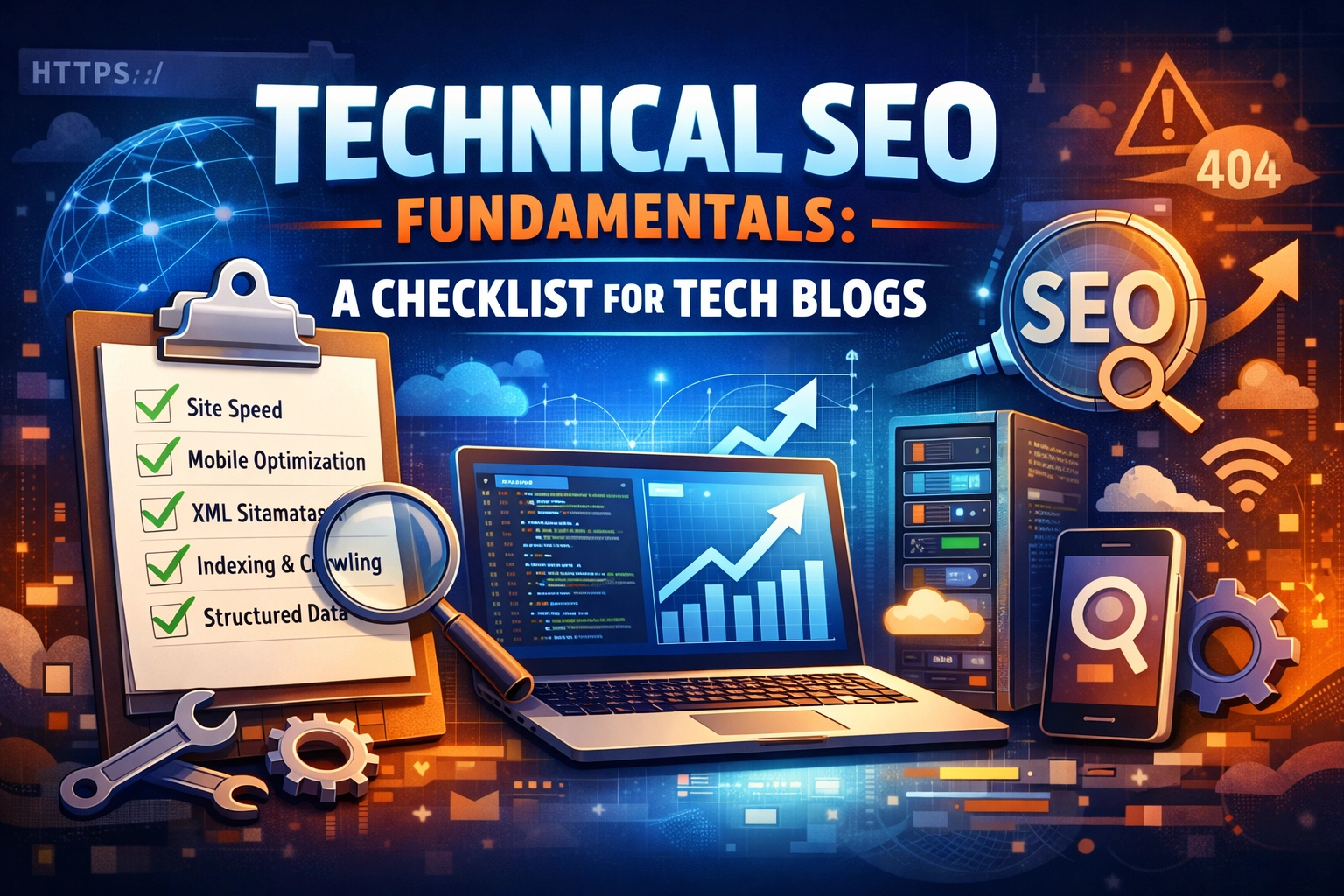
- Crawlability: Is your robots.txt clean? Is your XML sitemap updated?
- Speed: Is your LCP under 2.5 seconds? Are your images compressed?
- Mobile: Do your code snippets break the mobile layout?
- Security: Is HTTPS enforced site-wide?
- Schema: Are you using Article and FAQ structured data?
- Architecture: Are your URLs descriptive and your internal links logical?
By following these fundamentals, you ensure that when you write that groundbreaking piece of tech analysis, the search engines: and your readers: can find it, load it, and read it without friction.
About the Author
Malibongwe Gcwabaza is the CEO of blog and youtube, a platform dedicated to simplifying complex technology for the masses. With years of experience in digital strategy and tech content creation, Malibongwe focuses on bridging the gap between high-level technical concepts and accessible, actionable insights. Under his leadership, the company has grown into a go-to resource for developers, tech enthusiasts, and digital entrepreneurs looking to stay ahead of the curve.
About the Author