For decades, using a computer meant relying entirely on the hardware sitting right in front of you. If you wanted to run a complex program, you needed a powerful processor. If you wanted to store thousands of high-resolution photos, you needed a massive hard drive. If that hard drive failed, your data was gone forever unless you had a physical backup.
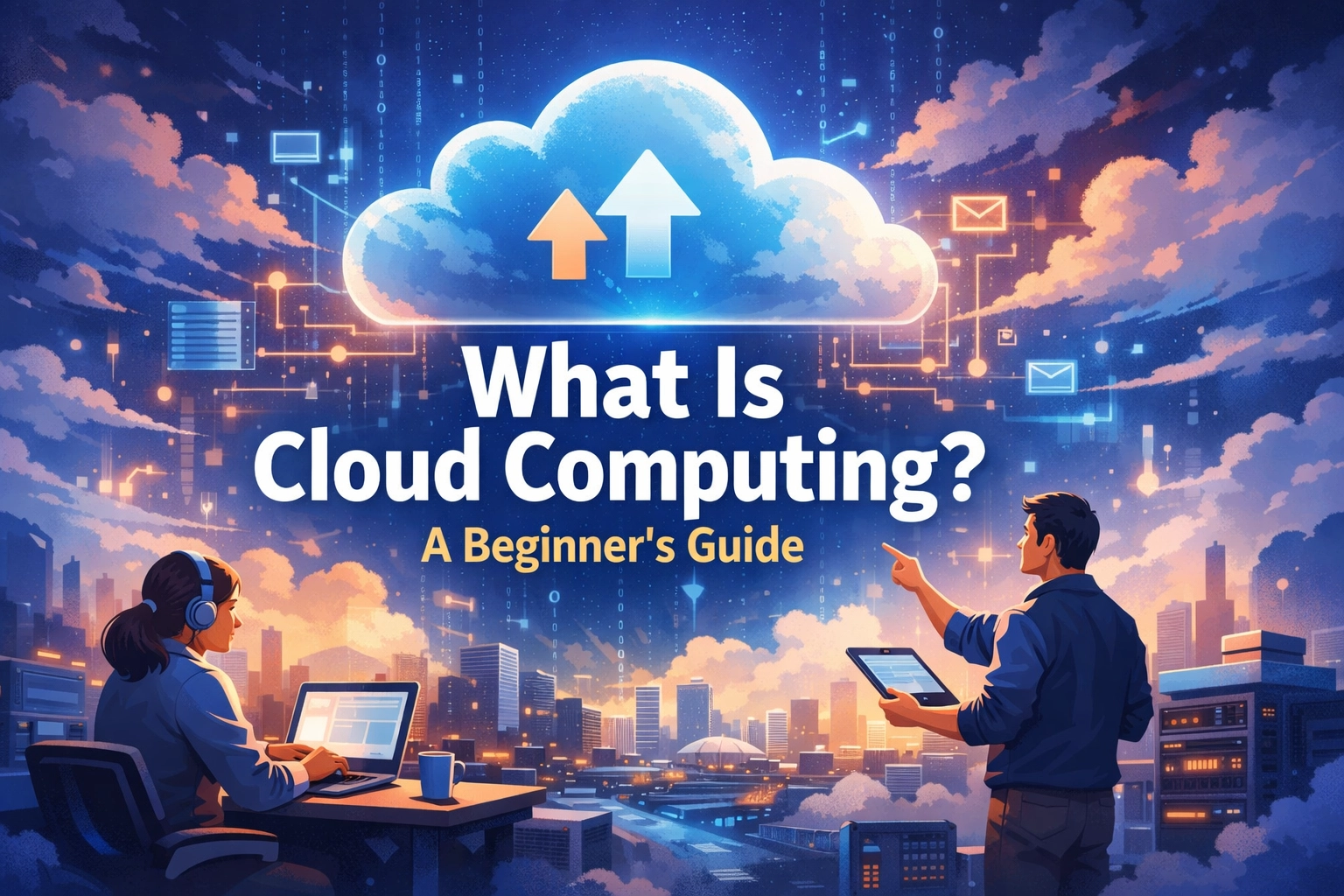
Cloud computing changed those rules. It moved the "heavy lifting" of computing: the processing, the storage, and the software execution: away from your local device and onto massive clusters of servers located in data centers around the world. When you use the cloud, you are essentially renting computing power and storage space from companies like Amazon, Google, or Microsoft, and accessing it through the internet.
The Core Concept: Someone Else’s Computer
At its simplest level, cloud computing is the delivery of computing services over the internet. These services include servers, storage, databases, networking, software, and analytics. Instead of owning and maintaining a physical server in your office or a massive hard drive on your desk, you access these resources on-demand.
Think of it like the power grid. To get electricity in your home, you don't build a private power plant in your backyard. Instead, you plug into a utility company’s grid and pay only for the kilowatt-hours you consume. Cloud computing works the same way for digital resources. You "plug in" to a provider's infrastructure and pay for what you use.
How the Cloud Actually Works: Virtualization
The technology that makes cloud computing possible is called virtualization.
In a traditional setup, one physical server runs one operating system (like Windows or Linux). This is often inefficient because the server might only use 10% of its total processing power at any given time. Virtualization allows cloud providers to "split" one physical server into multiple "virtual" machines. Each virtual machine acts like an independent computer with its own operating system and dedicated resources.

When you upload a file to a cloud service, that data isn't just floating in the sky. It travels through the internet to a physical data center: a massive warehouse filled with thousands of servers. These data centers are highly secure, climate-controlled environments designed to keep the hardware running 24/7. Because your data is stored on these virtual machines across multiple physical disks, the system is incredibly resilient. If one hard drive fails, your data is instantly available from another copy in the cluster.
The Four Main Types of Cloud Services
Cloud computing isn't a single product; it’s a spectrum of services. To understand which one you need, it helps to look at the "Shared Responsibility Model," which defines what the provider manages and what you manage.
1. Infrastructure-as-a-Service (IaaS)
IaaS is the most basic category of cloud services. You rent the raw infrastructure: servers, virtual machines, storage, and networks: from a cloud provider. You are responsible for installing the operating system, the database, and the applications.
- Examples: Amazon Web Services (AWS) EC2, Microsoft Azure, Google Compute Engine.
- Best for: Companies that want complete control over their environment without the headache of buying physical hardware.
2. Platform-as-a-Service (PaaS)
PaaS provides a framework that allows developers to build, test, and deploy applications without worrying about the underlying infrastructure. The provider manages the servers, storage, and networking, as well as the operating systems and middleware.
- Examples: Heroku, Google App Engine, AWS Elastic Beanstalk.
- Best for: Software developers who want to focus on writing code rather than managing servers.
3. Software-as-a-Service (SaaS)
This is the type of cloud computing most people use every day. SaaS delivers software applications over the internet on a subscription basis. You don't install anything; you simply log in through a web browser. The provider handles everything from the hardware to the security updates.
- Examples: Gmail, Dropbox, Netflix, Salesforce, Slack.
- Best for: End-users and businesses that need ready-to-use applications.
4. Serverless Computing
Despite the name, there are still servers involved. However, "serverless" means the developer doesn't have to manage them at all. The cloud provider automatically scales the resources up or down based on the specific function being executed. You only pay when the code actually runs.
- Examples: AWS Lambda, Azure Functions.
- Best for: Building highly scalable apps with unpredictable traffic patterns.

Deployment Models: Where Does the Cloud Live?
Not all clouds are built the same way. There are three common ways to deploy cloud services:
- Public Cloud: These are owned and operated by third-party providers. All hardware, software, and supporting infrastructure are owned by the provider. You share the same hardware (securely partitioned) with other "tenants."
- Private Cloud: This refers to cloud computing resources used exclusively by a single organization. It can be physically located at the company’s on-site data center or hosted by a third-party provider. This offers the highest level of security and control.
- Hybrid Cloud: This combines public and private clouds, linked by technology that allows data and applications to be shared between them. A business might keep sensitive customer data in a private cloud but use the public cloud to handle a sudden surge in web traffic.

Why Everyone is Moving to the Cloud
The shift away from local hardware isn't just a trend; it's a fundamental change in how the global economy operates. Here are the primary reasons why:
1. Cost Efficiency
Cloud computing eliminates the capital expense of buying hardware and software, setting up and running on-site data centers, and paying for the electricity to power and cool those servers. Most cloud services follow a "pay-as-you-go" model, meaning you only pay for the capacity you use.
2. Global Scalability
In the past, if your website suddenly became popular, your server might crash under the weight of the new traffic. In the cloud, you can "scale" elastically. This means delivering the right amount of IT resources: more or less computing power, storage, or bandwidth: exactly when they are needed and from the right geographic location.
3. Performance
The largest cloud services run on a worldwide network of secure data centers, which are regularly upgraded to the latest generation of fast and efficient computing hardware. This offers several benefits over a single corporate data center, including reduced network latency for applications and greater economies of scale.
4. Security and Reliability
Cloud providers invest billions of dollars into security. They employ top-tier cybersecurity experts and use advanced encryption and biometric security at their data centers. Furthermore, the cloud makes data backup and disaster recovery easier because data can be mirrored at multiple redundant sites on the provider's network.

Common Misconceptions About the Cloud
Despite its ubiquity, several myths about the cloud persist:
- "The Cloud is less secure than on-premise." In reality, most data breaches happen due to human error (like weak passwords) rather than vulnerabilities in the cloud infrastructure itself. Most small to medium businesses could never afford the level of security that a provider like Microsoft or Google provides by default.
- "The Cloud is only for big tech companies." Actually, the cloud is the great equalizer. It gives a one-person startup access to the same world-class computing power as a Fortune 500 company.
- "The Cloud is just a storage drive." While storage (like Google Drive) is a huge part of it, the cloud is also about processing. It’s about running complex AI models, rendering 3D graphics, and hosting massive multiplayer games.
Real-World Impact: How You Use the Cloud Today
You are likely interacting with the cloud dozens of times a day without realizing it.
- Streaming Services: When you watch a movie on Netflix, you aren't downloading the file. You are streaming data from a cloud server that is physically close to your location to ensure no lagging.
- Online Banking: Your transaction history and account balance aren't stored on your phone; they live in a secure, private cloud managed by your bank.
- Smart Homes: When you ask a smart speaker to turn on the lights, your voice command is sent to the cloud, processed by an AI, and a command is sent back to your light bulb.
Final Thoughts
Cloud computing has democratized technology. It has removed the barriers to entry for entrepreneurs and provided individuals with tools that were once reserved for high-tech laboratories. As we move further into 2026, the cloud will only become more integrated into our lives through advancements in AI and the Internet of Things (IoT).
Understanding the cloud is no longer just for IT professionals; it’s a basic digital literacy skill. Whether you’re a student, a creator, or a business owner, the cloud is the engine that powers the modern world.
About the Author: Malibongwe Gcwabaza
Malibongwe Gcwabaza is the CEO of blog and youtube, a platform dedicated to making technology accessible to everyone. With over a decade of experience in the digital space, Malibongwe focuses on breaking down complex technical concepts into simple, actionable insights. His mission is to empower creators and small businesses to leverage modern tools to achieve their goals. When he's not exploring the latest in AI and cloud infrastructure, he's mentoring young developers and sharing his journey on the "blog and youtube" channel.
About the Author