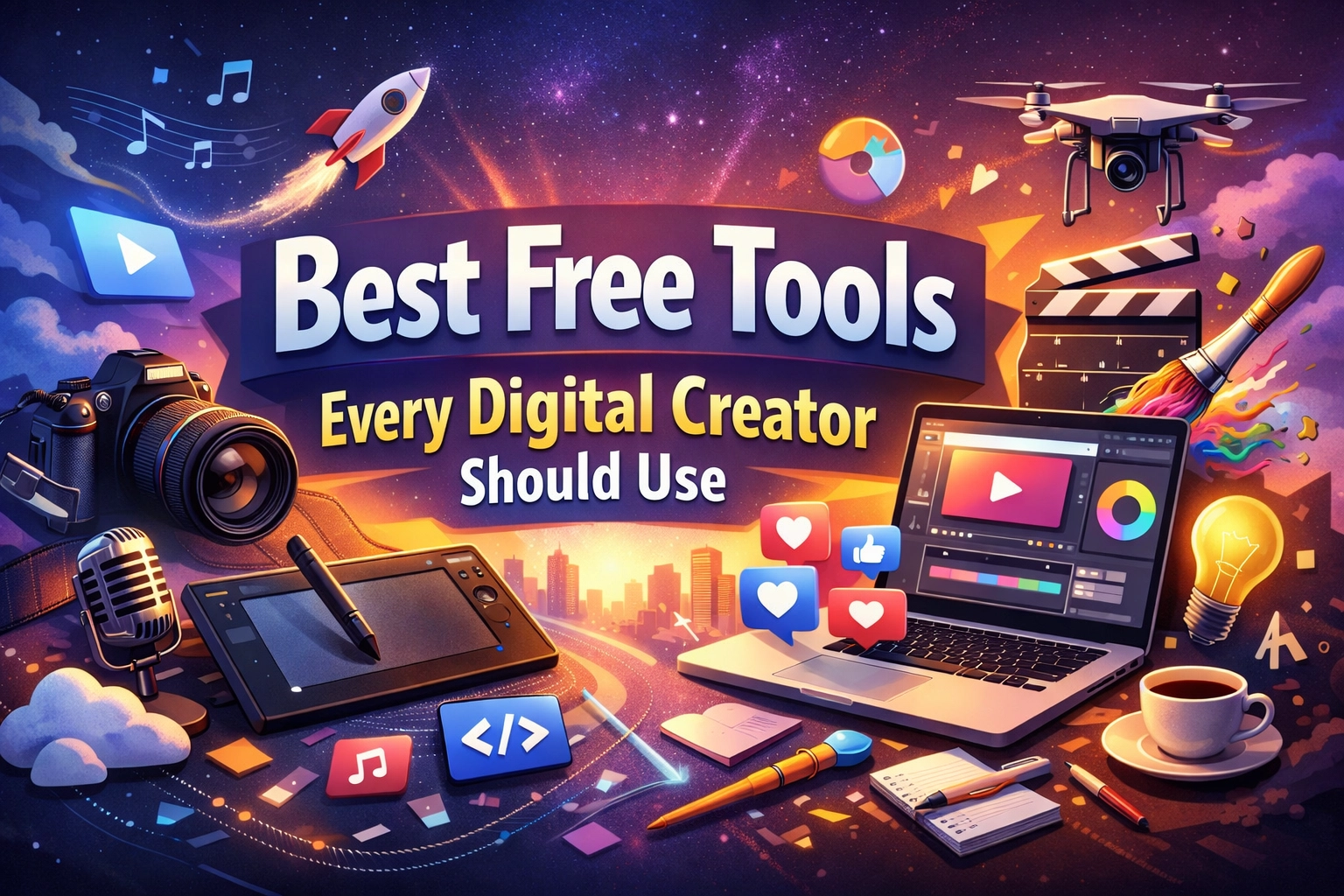
The barrier to entry for digital creators has never been lower. In the past, if you wanted to produce high-end video or professional graphic design, you needed thousands of dollars for software licenses like the Adobe Creative Cloud or Final Cut Pro. In 2026, the landscape has shifted entirely. We are now in the era of "Pro-grade Free," where open-source software and generous AI free tiers allow anyone with a laptop to compete with established agencies.
Choosing the right tools isn't just about saving money; it’s about optimizing your workflow so you can spend more time on strategy and less on manual execution. Here is a breakdown of the best free tools every digital creator should be using right now.
1. Visual Design and AI Image Generation
Visuals are the heartbeat of social media and web content. While Photoshop is the industry standard, several free alternatives have integrated AI to the point where they are actually faster for daily tasks.
Leonardo.Ai: The Generative Powerhouse
While Midjourney often gets the headlines, Leonardo.Ai is the superior choice for creators on a budget. Their free tier is incredibly generous, providing 150 "Fast" tokens every 24 hours. This translates to roughly 30 to 70 high-quality images daily, depending on the complexity of your settings.
What sets Leonardo apart is its "Image Guidance" feature. If you have a rough sketch or a specific layout in mind, you can upload it and use it as a structural template for the AI. For creators building a consistent brand, this level of control is far more valuable than a simple text-to-image prompt.
Ideogram: Perfect Typography
One of the longest-running frustrations with AI image generators was their inability to render text correctly. Ideogram solved this. If you are creating YouTube thumbnails, book covers, or social media posters that require specific words, Ideogram is your best bet. It features a "Magic Prompt" assistant that takes your basic idea and expands it into a highly detailed technical prompt to ensure the lighting, texture, and text are perfect.
Recraft AI: The Vector Specialist
Most AI tools generate raster images (pixels), which blur when you resize them. Recraft AI is a game-changer because it allows you to generate vector art (SVGs) for free. If you need icons, logos, or illustrations for a website that need to look crisp at any size, Recraft is the only tool in this category offering a robust free tier for SVGs.
2. Professional Video Production
Video content is the most consumed medium online, but it’s also the most resource-intensive to produce.
DaVinci Resolve: Hollywood Quality for $0
It is still mind-blowing that DaVinci Resolve offers a free version. This isn't a "lite" version with a watermark; it is a full-scale professional editing, color grading, and audio post-production suite. It supports 4K projects and includes the "Fusion" page for high-end visual effects.
The learning curve is steeper than mobile editors like CapCut, but mastering DaVinci Resolve gives you a technical skill set that is industry-standard. If you are serious about long-form YouTube content or cinematic storytelling, this is the only tool you need.
Lumen5: Social Media Automation
Not every video needs to be a cinematic masterpiece. Sometimes you just need to turn a blog post or a news snippet into a quick video for LinkedIn or Instagram. Lumen5 uses AI to scan your text, summarize the key points, and automatically match them with stock footage and music. It’s perfect for creators who want to repurpose their written content into video format without spending hours in an editor.
3. Writing and Copywriting
Even visual creators need to write scripts, captions, and emails. The goal of using AI in writing shouldn't be to replace your voice, but to eliminate the "blank page" syndrome.
ChatGPT (GPT-4o Free Tier)
The free version of ChatGPT now grants access to its most advanced models with limited daily usage. For a digital creator, the best way to use this isn't just "write me a post." Instead, use it as a research assistant. You can upload a PDF of a study or a long transcript of a video and ask it to find the three most controversial points or create a structured outline for a script.
Copy.ai and Jasper
While ChatGPT is a generalist, Copy.ai and Jasper (which offers a limited free tier) are built specifically for marketing. They include templates for "AIDA" (Attention, Interest, Desire, Action) frameworks and high-conversion ad copy. If you are struggling to write a call-to-action that doesn't sound cheesy, these tools provide frameworks based on proven marketing data.

4. Audio and Voiceovers
Good audio is often more important than good video. Viewers will tolerate a grainy image, but they will click away immediately if the sound is muffled or harsh.
ElevenLabs: Realistic AI Voices
If you are a creator who prefers to stay anonymous or doesn't have a professional microphone setup, ElevenLabs offers the most realistic AI voice synthesis on the market. Their free tier allows for a limited number of characters per month, but the quality is indistinguishable from a human narrator. It’s ideal for "faceless" YouTube channels or creating quick voiceovers for TikTok ads.
Adobe Podcast (Enhance Speech)
If you do record your own voice but your room has an echo or background noise, Adobe Podcast Enhance is a free web-based tool that is essentially magic. You upload a noisy MP3 file, and it uses AI to strip away the noise and make it sound like you recorded it in a professional studio. It is a must-have for podcasters and remote interviewers.
5. Workflow and Productivity
Being a "solopreneur" means you are the CEO, the editor, and the social media manager. You need tools that tie everything together.
Notion: The Creator’s Second Brain
Notion is more than a note-taking app; it’s a project management system. For creators, it’s the perfect place to build a "Content Calendar." You can track a video from the "Idea" phase to "Scripting," "Filming," and "Published." Because it’s highly customizable, you can build a database that tracks your sponsorships, affiliate links, and SEO keywords all in one place.
Zapier: The Glue
Zapier allows you to automate repetitive tasks. For example, you can set up a "Zap" so that every time you post a new YouTube video, it automatically creates a draft post on your WordPress blog and sends a notification to your Discord community. The free tier allows for 100 tasks per month, which is plenty for a creator just starting to automate their distribution.

How to Build Your Free Stack
The mistake many creators make is trying to use every tool at once. This leads to "tool fatigue." Instead, I recommend building your stack based on your primary medium:
- For YouTubers: DaVinci Resolve (Editing) + Adobe Podcast (Audio) + Leonardo.Ai (Thumbnails).
- For Bloggers/Writers: Notion (Planning) + ChatGPT (Outlining) + Canva (Social graphics).
- For Social Media Managers: CapCut (Quick edits) + Ideogram (Graphics) + Zapier (Automation).
Final Thoughts
In 2026, your talent and your consistency are the only real bottlenecks. The software is no longer the gatekeeper. By leveraging these free tools, you can produce work that looks and feels like it was made by a team of ten. Start with one or two tools, master them, and then expand your stack as your audience grows.
About the Author: Malibongwe Gcwabaza
Malibongwe Gcwabaza is the CEO of blog and youtube, a platform dedicated to helping digital creators navigate the intersection of technology and creativity. With over a decade of experience in the digital space, Malibongwe focuses on making complex tech simple and accessible for everyone. When he’s not testing the latest AI models, he’s strategizing on how to help creators turn their passion into a sustainable business.
About the Author