If you’ve spent any time on the internet lately, you’ve heard the term "The Cloud." It sounds like a magical, invisible place where photos, emails, and Netflix movies float around until we need them. But if we strip away the marketing jargon, the cloud is actually quite grounded.
In its simplest form, cloud computing is just using someone else’s computer. Instead of running programs or storing files on your own hard drive or a server in your office closet, you use the internet to access a massive network of high-powered servers owned by companies like Amazon, Google, or Microsoft.
But why did this shift happen, and how does it actually work under the hood? Let’s break it down into the essentials.
The End of the "Server in the Closet" Era
Not too long ago, if a company wanted to launch a website or a piece of software, they had to buy physical hardware. This meant ordering a server, waiting for it to ship, finding a cool room to put it in, and hiring someone to make sure it didn't catch fire.
This model had a massive flaw: waste. If you bought a server that could handle 10,000 visitors, but only 100 showed up, you wasted money. If 100,000 showed up, your site crashed.
Cloud computing fixed this by turning computing power into a utility, much like electricity or water. You don’t own the power plant; you just plug into the grid and pay for what you use. When you need more juice, you turn on more lights. When you leave the room, you turn them off.

The Three Layers of the Cloud (IaaS, PaaS, SaaS)
To understand how the cloud works for businesses and developers, you need to understand the three main service models. Think of it like a "Pizza as a Service" analogy.
1. Infrastructure as a Service (IaaS)
This is the "raw ingredients" level. You get access to the virtual hardware: servers, storage, and networking. You are responsible for installing the operating system, the database, and the application code.
- Real-world examples: Amazon Web Services (AWS) EC2, Microsoft Azure, Google Compute Engine.
- Who uses it: System administrators and cloud architects who want total control over their environment.
2. Platform as a Service (PaaS)
This is the "frozen pizza" level. The provider manages the hardware and the operating system. You just bring your code. It’s designed to help developers build and deploy applications quickly without worrying about the underlying infrastructure.
- Real-world examples: Heroku, Google App Engine, AWS Elastic Beanstalk.
- Who uses it: Developers who want to focus on writing apps, not managing servers.
3. Software as a Service (SaaS)
This is the "dining out" level. Everything is managed for you. You just log in via a web browser and use the software. You don’t care how it’s built or where it’s hosted; you just want it to work.
- Real-world examples: Gmail, Slack, Salesforce, Dropbox, and even Netflix.
- Who uses it: Everyone. From casual users to huge enterprises.

Why the Cloud is a Game-Changer
What makes the cloud so different from traditional hosting? It comes down to five core characteristics that have redefined the global economy.
1. On-Demand Self-Service
In the old days, getting a new server took weeks of procurement and setup. With the cloud, you can click a button and have 100 servers running in 60 seconds. No human interaction with the provider is required.
2. Elasticity and Scaling
This is the "magic" of the cloud. Imagine you run an e-commerce store. On Black Friday, your traffic spikes by 1,000%. Cloud platforms can detect this and automatically spin up more resources to handle the load (Horizontal Scaling). When the sale ends, the extra servers automatically shut down. You only pay for that extra power for the few hours you actually used it.
3. Broad Network Access
As long as you have an internet connection, you can access your resources. This has been the primary driver of the remote work revolution. Your "office" is anywhere with Wi-Fi.
4. Resource Pooling
Cloud providers serve thousands of customers using the same physical hardware. Through a process called virtualization, they create "virtual" versions of computers that are isolated from one another. This allows them to maximize efficiency and drive down costs for everyone.
5. Measured Service (Pay-as-you-go)
Traditional IT was a Capital Expenditure (CapEx): you spent a lot of money upfront on hardware. Cloud is an Operational Expenditure (OpEx). You pay a monthly bill based on your actual consumption, measured in gigabytes, hours, or even milliseconds of compute time.

The Secret Sauce: Virtualization and Hypervisors
If you really want to understand the "how," you have to understand virtualization. At the heart of every cloud data center is a piece of software called a Hypervisor.
A hypervisor sits on top of a physical server and allows it to run multiple "Virtual Machines" (VMs). Each VM thinks it is a separate computer with its own CPU, RAM, and storage, but in reality, it’s sharing the physical resources of the host. This is what allows AWS or Google to take one massive server and rent out small slices of it to hundreds of different customers simultaneously.
In recent years, we’ve moved even further with Containers (like Docker) and Serverless Computing. In a serverless model (Function as a Service), you don't even rent a virtual machine. You just upload a single function of code, and the cloud provider executes it only when it's needed. This is the peak of efficiency.
Public vs. Private vs. Hybrid Cloud
Not all clouds are built the same. Depending on security needs and budget, companies choose different deployment models:
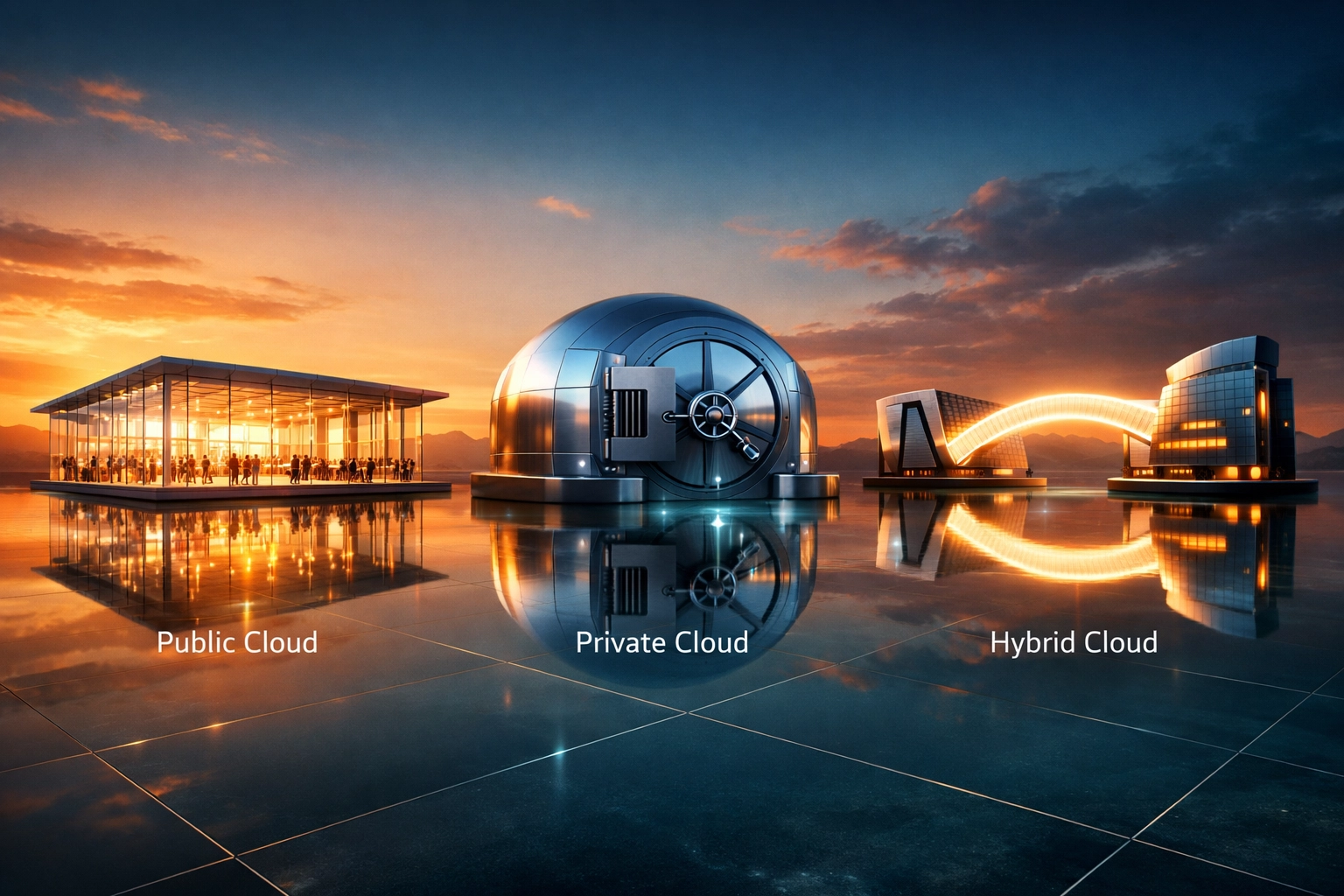
- Public Cloud: The services are offered over the public internet and shared across many organizations. This is the most cost-effective and common model.
- Private Cloud: The cloud infrastructure is dedicated to a single organization. It can be hosted on-premise or by a third party. It offers the highest level of security and control.
- Hybrid Cloud: This is a mix of both. A company might keep sensitive customer data on a private cloud but use the public cloud to handle heavy traffic spikes for their web application.

Is the Cloud Secure?
A common myth is that the cloud is less secure because your data isn't "in your building." In reality, major cloud providers spend billions of dollars on security: far more than most small or medium businesses ever could.
Security in the cloud follows a Shared Responsibility Model:
- The Provider is responsible for the "Security of the Cloud" (the physical data centers, the hardware, and the virtualization layer).
- The User (you) is responsible for "Security in the Cloud" (your passwords, your data encryption, and who you give access to).
Most cloud "hacks" aren't actually breaches of the cloud provider; they are the result of users leaving their data buckets open to the public or using weak passwords.
Wrapping It Up
Cloud computing isn't just a trend; it's the foundation of modern life. It’s what allows startups to compete with giant corporations without needing a multi-million dollar IT budget. It’s what keeps your files synced across your phone and laptop, and it’s the engine driving the current AI boom.
Whether you're a developer building the next big app or a business owner looking to streamline your operations, understanding these basics is the first step toward leveraging the most powerful tool in the history of technology.
About the Author
Malibongwe Gcwabaza is the CEO of blog and youtube. With a passion for making complex technology accessible to everyone, Malibongwe has spent years navigating the intersection of software development and digital content. He focuses on helping businesses leverage modern tech stacks to scale effectively while keeping things simple and human. When he’s not steering the ship at blog and youtube, you can find him exploring the latest in SaaS architecture and AI-driven automation.
About the Author