Most of us use our Android phones for the same five or six things: scrolling through social media, checking emails, taking photos, and maybe the occasional phone call. But underneath that familiar interface lies a powerhouse of hidden tools and experimental features that most people never touch. By 2026, Android has evolved into something much more than a mobile OS; it's practically a pocket-sized workstation.
If you feel like your phone is just a notification machine, you’re missing out. From desktop-level multitasking to AI-driven security features that can literally save you from a scam, there is a lot to uncover. Here is a deep dive into the hidden Android features you probably didn't know existed.
1. Transforming Your Phone into a PC: Desktop Mode 2.0
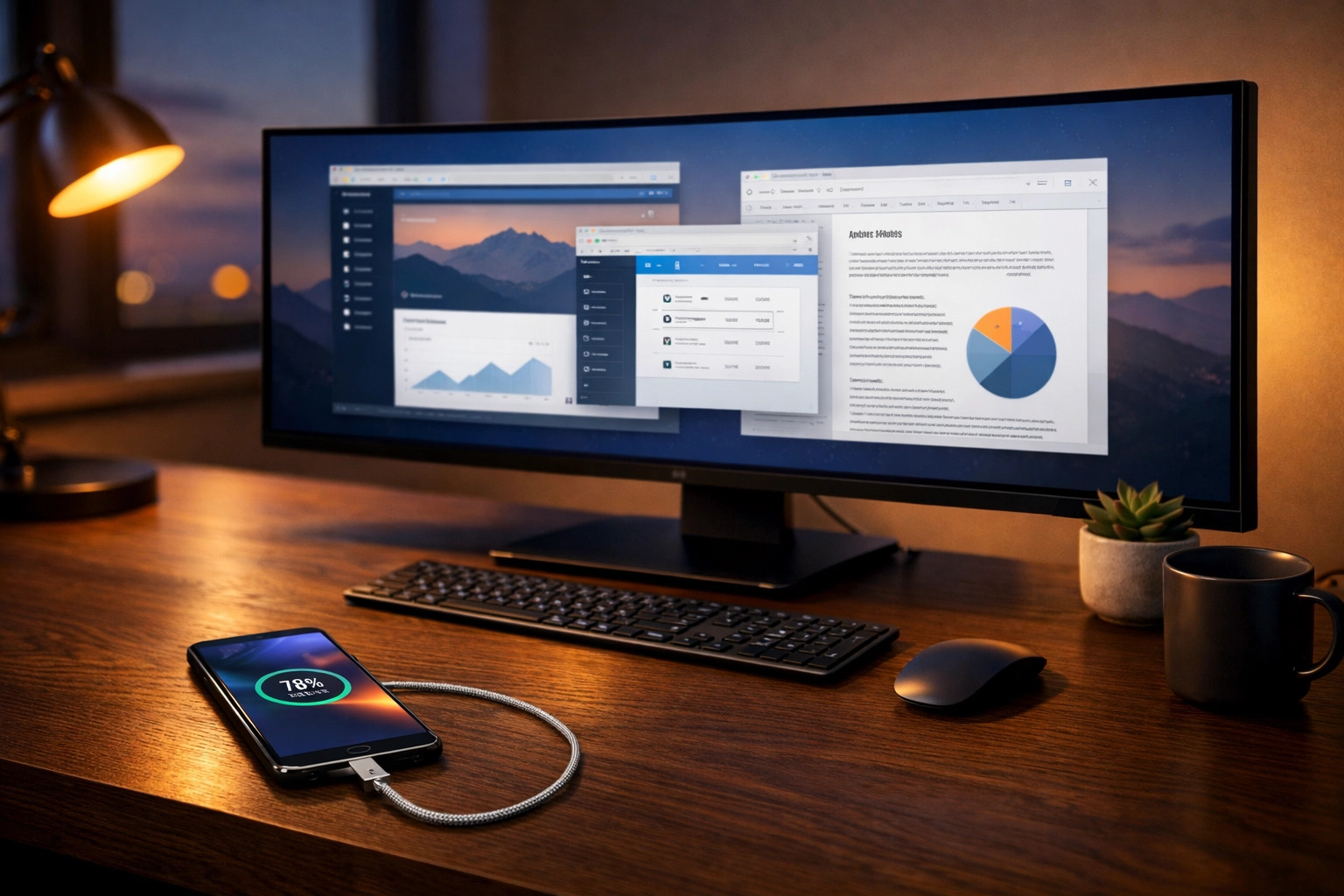
For a long time, connecting your phone to a monitor was a niche feature reserved for specific brands. But now, Android’s native Desktop Mode has become incredibly sophisticated. If you have a USB-C to HDMI adapter, you can plug your phone into a monitor and get a full window-based interface.
What makes this "hidden" is that it’s often tucked away in Developer Options or requires a specific toggle in the display settings. Once active, you get resizable windows, a taskbar, and the ability to run multiple apps side-by-side just like you would on a Mac or Windows PC. It’s a game-changer for remote work. You can have a browser open on one side and a document on the other, all powered by the processor in your pocket.
2. Notification Cooldown: Reclaim Your Focus
We’ve all been there: you’re in a group chat, and suddenly your phone starts vibrating every two seconds with "LOL" or "omw" messages. It’s distracting and annoying. Android 16 introduced a brilliant hidden setting called Notification Cooldown.
When you enable this, the system recognizes when you're being bombarded with notifications from the same app. Instead of full-volume pings for every single message, the OS gradually lowers the volume and intensity of subsequent alerts. It essentially "mutes" the noise for a minute or two until the flurry dies down. To find it, search for "Cooldown" in your Settings app.
3. The "Privacy Folder 2.0" Vault
Privacy has moved beyond just locking your phone. With Privacy Folder 2.0, Android allows you to create a completely isolated environment for your most sensitive apps. This isn't just a hidden folder for photos; it's a sandboxed area for things like banking apps, crypto wallets, or private work documents.
When an app is moved to this folder, it doesn't show up in your main app drawer or recent apps list. It requires a separate biometric authentication to even see what’s inside. It also prevents these apps from sharing data with the rest of your system, which is a massive win for security.
4. AI-Powered "Gemini Remix" in Messages
Google Messages has become much more than a texting app. One of the coolest hidden features is Gemini Remix. Using the built-in Gemini AI, you can now modify images directly inside your text threads.
If a friend sends you a photo of a sunset and you want to see what it looks like with a futuristic city in the background, you can ask the AI to "Remix" it. You can add objects, change the lighting, or even turn a photo into a stylized painting without ever opening a separate photo editor. It’s a fun, powerful tool that uses the NPU (Neural Processing Unit) of your phone to do heavy lifting in seconds.

5. Real-Time Access Alerts
Security experts always tell you to check your app permissions, but who has time for that? Android now does it in real-time. If you look at the top right of your screen, you might occasionally see a small green or blue dot.
- Green Dot: An app is currently using your camera or microphone.
- Blue Dot: An app is currently accessing your precise location.
If you see these icons when you aren't actively using an app that needs them (like Maps or Camera), you can tap the icon to see exactly which app is "spying" on you. This allows you to revoke permissions immediately. It’s the easiest way to catch apps that are overstepping their bounds.
6. Auto App Hibernation and Freezing
If your phone feels slow or the battery is draining too fast, you don't need a "cleaner" app. Android has a hidden Auto Hibernation feature. It tracks which apps you haven't opened in the last 30 days and automatically "freezes" them.
Hibernation removes the app's temporary files, revokes its permissions, and stops it from running in the background. The app stays on your phone, but it consumes zero resources until you open it again. You can manually manage this under Settings > Battery > Background Usage. Enabling "auto app freezing" can add hours to your battery life over a week.
7. Circle to Search: The Scam Detector
You probably know about "Circle to Search" for finding a pair of shoes you saw on Instagram, but it has a much more practical security use. If you receive a suspicious text message with a link or a weird "customer support" number, you can activate Circle to Search on that specific text.
Android will now cross-reference that information against known scam databases and official business records. If the number or link is flagged as malicious, your phone will give you a bright red warning before you even think about clicking.

8. Bluetooth Audio Sharing
Want to watch a movie on a plane with a friend but only have your phone? In the past, you’d have to share one earbud each (gross). Now, Android supports Auracast-based Audio Sharing.
By navigating to Settings > Connected Devices > Connection Preferences > Audio Sharing, you can broadcast your audio to multiple pairs of Bluetooth headphones simultaneously. Both you and your friend get full stereo sound on your own devices.
9. Live Updates on the Lock Screen
Borrowing a bit from the world of widgets, Android’s Live Updates allow you to see real-time data on your locked home screen without unlocking the phone. This works for things like Uber Eats deliveries, flight tracking, or sports scores. Instead of a static notification, you get a small, dynamic window that updates every few seconds. It’s incredibly useful for glanceable info when your hands are full.
10. The Hidden App Activity Timeline
For those who are truly tech-savvy (or just a bit paranoid), the App Activity Timeline provides a detailed log of every time an app accessed your data. It shows you a minute-by-minute breakdown: "Instagram accessed location at 2:03 PM," or "Facebook accessed contacts at 4:15 PM."
This transparency is hidden deep in the Privacy Dashboard settings, but it’s the best way to audit your phone’s health and ensure that "free" apps aren't secretly harvesting your data while you sleep.
Conclusion
Android is no longer just a simple operating system; it’s a customizable environment that adapts to how you work and live. Whether you’re using Desktop Mode to finish a report or using Gemini Remix to spice up your chats, these hidden features are designed to make your life easier and your data more secure.
The next time you’re bored, dive into your settings. You might be surprised at just how much power you’ve been carrying around in your pocket without even realizing it.
About the Author: Malibongwe Gcwabaza
Malibongwe Gcwabaza is the CEO of blog and youtube, a platform dedicated to making technology accessible and simple for everyone. With over a decade of experience in the tech industry, Malibongwe focuses on uncovering the practical side of AI, mobile OS developments, and digital security. When he isn't exploring the latest Android builds, he’s helping creators and businesses leverage digital tools to grow their online presence. His mission is to bridge the gap between complex engineering and everyday usability.
About the Author