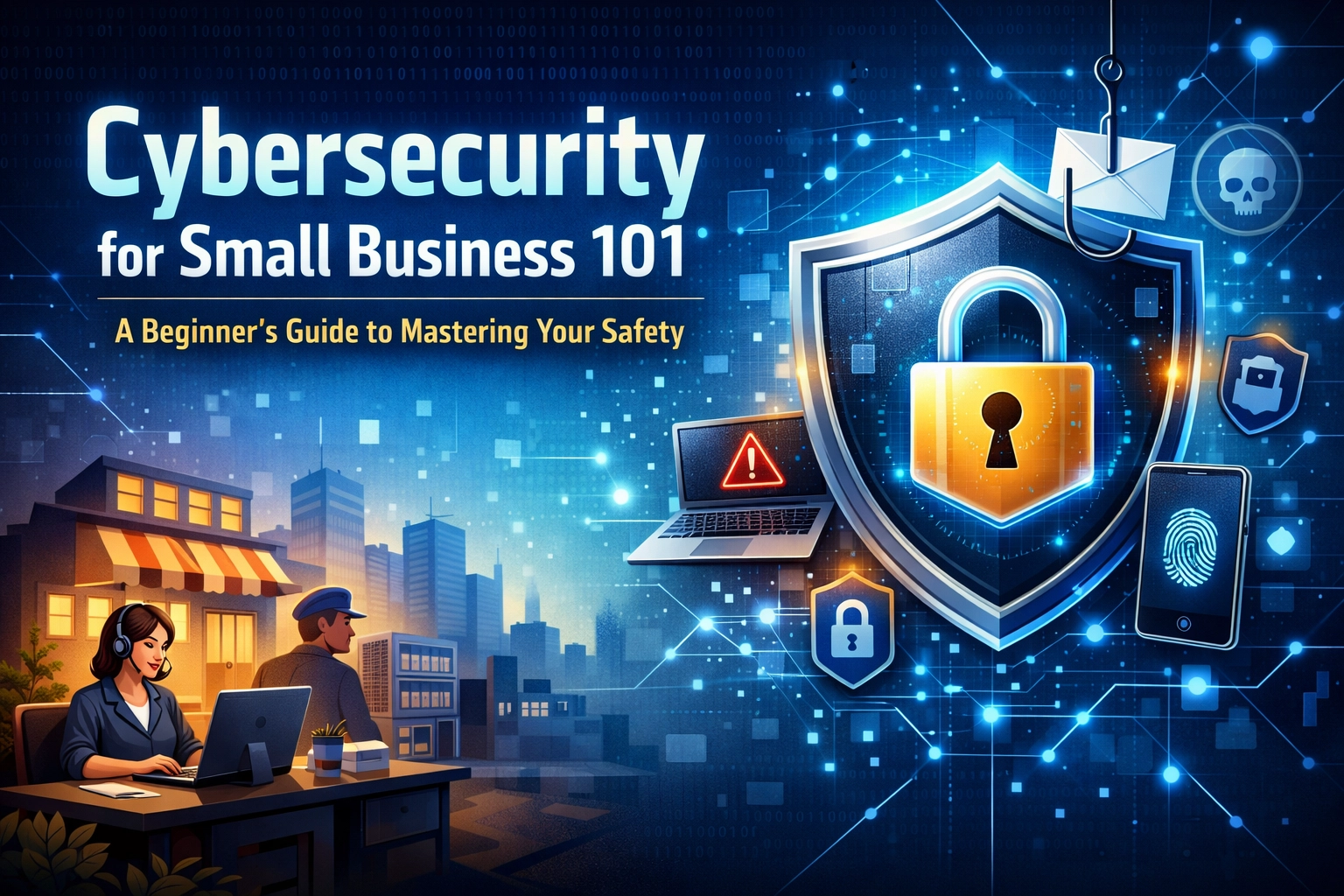
Most small business owners think hackers are only interested in the giants: the Googles and the banks of the world. In reality, the opposite is true. Hackers often view small businesses as the "low-hanging fruit." Large corporations have multi-million dollar security budgets and entire floors of engineers watching the gates. A local retail shop or a 10-person consulting firm? Usually, they have a default router password and an owner who uses "Password123" for everything.
According to recent data, nearly 43% of cyberattacks target small businesses, yet only 14% are prepared to defend themselves. This gap isn't because small business owners are lazy; it's because cybersecurity feels like a complex, jargon-heavy mountain that’s impossible to climb.
The good news is that you don't need a PhD in computer science to protect your livelihood. Cybersecurity is more about habits and simple configurations than it is about complex code. Here is your roadmap to securing your business in 2026.
The Foundation: Protecting Your Data
Your data is your business's most valuable asset. Whether it’s customer credit card info, your intellectual property, or your employee payroll records, losing this data: or having it held for ransom: can end a business overnight.
1. The 3-2-1 Backup Rule
Don't trust a single hard drive or even a single cloud provider. Use the 3-2-1 rule:
- 3 copies of your data: The original and two backups.
- 2 different media types: For example, one on an external SSD and one in the cloud.
- 1 copy offsite: If your office has a fire or a flood, your local backups go with it. A cloud backup counts as offsite.
Set these to happen automatically. If a human has to remember to "press the button" every Friday, it eventually won't happen.
2. Multi-Factor Authentication (MFA)
If you do nothing else after reading this, enable MFA on everything. MFA is that extra step where you get a code on your phone or an app after entering your password. It is the single most effective way to stop unauthorized access. Even if a hacker steals your password, they can't get in without that physical device in your hand.

3. Encryption is Non-Negotiable
Encryption sounds techy, but it’s basically just "scrambling" your data so it’s unreadable without a key.
- Device Encryption: Most modern laptops (Windows Pro or Mac) have built-in encryption (BitLocker or FileVault). Turn it on. If a laptop is stolen from a car, the thief can’t get to the files.
- Cloud Encryption: Use services that encrypt data both "at rest" (sitting on their servers) and "in transit" (moving from your computer to theirs).
Securing the Entry Point: Your Network
Think of your internet connection as the front door to your digital office. If the lock is flimsy, anyone can walk in.
The Router Reset
When you get a router from your ISP, it usually comes with a default username like "admin" and a password like "password." Hackers have databases of these.
- Change the Credentials: Create a unique, long password for the router admin panel.
- Update Firmware: Just like your phone, your router needs updates to patch security holes. Enable "auto-update" if the feature exists.
- WPA3 is the Standard: When setting up your Wi-Fi, ensure the security protocol is set to WPA3 (or WPA2 if WPA3 isn't available).
The "Guest" Network Trick
One of the easiest ways to secure your business is to segment your network. Create a "Guest" network for visitors or for employees' personal phones. Keep your business computers, point-of-sale systems, and servers on a separate, hidden network. If a customer’s phone has malware, it won't be able to jump over to your business’s financial records.

The Human Factor: Training Your Team
You can have the best firewall in the world, but if an employee clicks a link in an email that says "Urgent Invoice Attached," the hackers are in. Human error remains the leading cause of data breaches.
Spotting 2026-Era Phishing
Phishing has evolved. In 2026, hackers use AI to write perfect, typo-free emails that sound exactly like your vendors or your bank.
- Check the Sender: Hover over the "From" name to see the actual email address. Is it
support@bank.comorsupport@bank-security-update.xyz? - The "Urgency" Red Flag: Phishing relies on panic. If an email demands you act "within the hour" or your account will be deleted, it’s likely a scam.
- Verify Offline: If you get a weird request from a "vendor" to change their bank account details, call them on a known number. Don't use the number in the email.
Password Hygiene
Stop using the same password for everything. If your LinkedIn password is the same as your business bank password, a breach at LinkedIn (which has happened) becomes a breach at your bank. Use a password manager like Bitwarden or 1Password. These tools generate 20-character random strings and remember them for you.

Software and Maintenance
Keeping your systems "healthy" is half the battle. Outdated software is like a house with a broken window: eventually, someone is going to notice and climb in.
1. Automatic Updates
Enable automatic updates for your Operating System (Windows/macOS), your browsers (Chrome/Safari), and all your apps. Most "hacks" exploit vulnerabilities that have already been fixed: the victim just hasn't installed the fix yet.
2. Antivirus & Firewalls
While Windows Defender and macOS security are much better than they used to be, for a business, you want something more robust. Look for "Endpoint Protection" (EDR) software. Unlike standard antivirus that just looks for known viruses, EDR looks for "weird behavior," like a program suddenly trying to encrypt all your files at 2:00 AM.
Building a Plan: The NIST Framework (Simplified)
The National Institute of Standards and Technology (NIST) has a framework that big companies use. For a small business, we can boil it down to five simple actions:
- Identify: Know what you have. Make a list of every laptop, tablet, and software account your business uses.
- Protect: Implement the stuff we talked about: MFA, backups, and encryption.
- Detect: How will you know if you're hacked? Set up alerts for failed login attempts or large file transfers.
- Respond: If things go sideways, what do you do? Do you have your IT person’s number? Do you know how to freeze your bank accounts?
- Recover: This is where your backups come in. After a hit, how do you get back to work?
What to Do When Things Go Wrong
Even with the best security, things happen. If you suspect a breach:
- Disconnect: Pull the internet plug on the affected machine. Don't turn it off (it might erase evidence), just get it off the network.
- Change Passwords: Immediately change passwords for your most sensitive accounts from a clean device.
- Notify: Depending on your location and industry, you may have legal obligations to notify customers if their data was exposed.
- Consult an Expert: Cybersecurity insurance is a great investment for small businesses. They often provide a "breach response" team that handles the heavy lifting for you.
Final Thoughts
Cybersecurity isn't a one-time project; it’s a culture. It’s about making sure your team understands that security is everyone’s job, not just "the tech guy's." By implementing MFA, keeping your software updated, and training your staff to be skeptical of weird emails, you’re already ahead of 90% of other small businesses.
Start small. This week, turn on MFA for your email. Next week, set up that guest Wi-Fi. Before you know it, you’ll have built a digital fortress that lets you sleep a whole lot better at night.
About the Author: Malibongwe Gcwabaza
Malibongwe Gcwabaza is the CEO of blog and youtube, a platform dedicated to simplifying technology for the modern entrepreneur. With years of experience in the tech sector, Malibongwe focuses on stripping away the jargon and providing actionable, "no-nonsense" advice for business owners. When he isn't helping companies secure their digital assets, he's exploring the intersection of AI and content creation to help small brands scale faster. His mission is to ensure that no business is left behind in the rapidly evolving digital landscape.
About the Author