Nothing kills productivity or a weekend movie marathon faster than a buffering icon. While we often blame our Internet Service Provider (ISP) the moment speeds drop, the bottleneck is frequently located inside the four walls of our homes. Wi-Fi signals are essentially radio waves, and like any radio wave, they are subject to interference, physical barriers, and hardware limitations.
To get the most out of your fiber or cable connection, you need to optimize how those waves travel from your router to your devices. This guide moves beyond the basic "restart your router" advice and dives into the technical optimizations that can significantly lower latency and boost throughput.
The Physics of Router Placement: Science Over Aesthetics
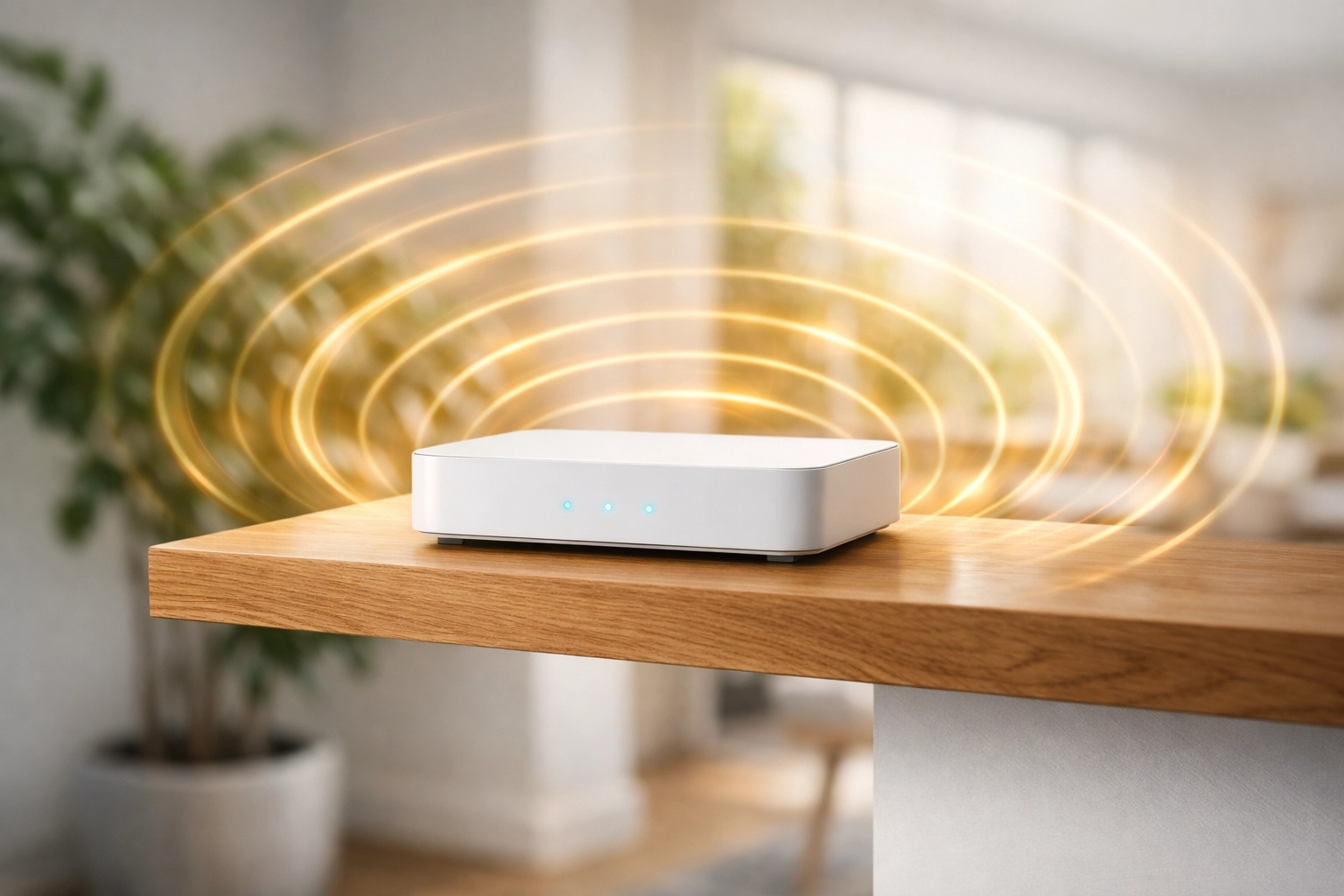
Most people tuck their routers into a corner, hide them in cabinets, or place them behind the TV to keep cables out of sight. Technically, this is the worst thing you can do for your signal. Wi-Fi signals are microwave radiation (specifically in the 2.4GHz, 5GHz, or 6GHz bands). These waves are easily absorbed or reflected by common household materials.
Height and Centering
Wi-Fi signals tend to radiate outward and downward. If your router is sitting on the floor, you are effectively sending half of your signal into the foundation of your home. By mounting the router on a high shelf or at least waist-height, you minimize the number of obstacles the signal has to pass through. Ideally, the router should be placed in the center of the home. Every wall the signal passes through: especially brick, concrete, or tile: attenuates the signal strength.
Avoiding Signal Killers
Metal is the ultimate enemy of Wi-Fi. Placing your router near a refrigerator, behind a metal mirror, or inside a metal cabinet will create a "Faraday cage" effect, severely limiting the signal's reach. Additionally, avoid placing the router near large bodies of water, like a fish tank. Water is highly effective at absorbing 2.4GHz signals (which is exactly why microwave ovens use that frequency to heat food).
Master Your Frequency Bands: 2.4GHz vs. 5GHz vs. 6GHz
Most modern routers are "Dual-Band" or "Tri-Band." Understanding which band your devices are using is the fastest way to solve speed issues.
- 2.4GHz Band: This band has a longer range and can penetrate walls better. However, it is extremely crowded. Everything from your neighbor's router to your microwave, baby monitors, and Bluetooth speakers uses this frequency. In most urban environments, the 2.4GHz band is so congested that it rarely delivers speeds above 50-100 Mbps.
- 5GHz Band: This offers significantly faster speeds and is less prone to interference. The downside is its shorter range; it struggles to pass through solid walls. If you are in the same room or one room over from the router, always use the 5GHz band.
- 6GHz Band (Wi-Fi 6E/7): If you have a brand-new router and high-end devices from 2024 or later, you likely have access to the 6GHz band. This is a "clean" spectrum with virtually no interference, allowing for multi-gigabit speeds wirelessly.
Advanced Channel Optimization
Standard routers are often set to "Auto" channel selection. However, in a crowded apartment building, routers often end up fighting over the same channels.
- For 2.4GHz: Only use channels 1, 6, or 11. These are the only three channels that do not overlap with each other.
- For 5GHz: Look for DFS (Dynamic Frequency Selection) channels if your router supports them. These are often less crowded because they are shared with radar systems, but they offer much more "breathing room" for your data.
- Channel Width: If you are using 5GHz or 6GHz, ensure your channel width is set to 80MHz or 160MHz for maximum throughput. Be aware that 160MHz is more susceptible to interference but offers the highest possible speeds.

Optimizing Router Firmware and Device Drivers
We often forget that a router is essentially a small computer with its own operating system (Firmware). Over time, bugs are found, and security patches are released that can also optimize how the router handles data packets.
Firmware Updates
Manufacturers like ASUS, TP-Link, and Netgear regularly release updates that improve "Stability and Performance." If your router hasn't been updated in a year, you are likely missing out on better traffic management algorithms. Log into your router’s web interface (usually 192.168.1.1 or 192.168.0.1) and check for updates.
Device-Side Drivers
If your laptop is struggling while your phone is flying, the issue is likely the laptop’s wireless network card driver. Windows Update doesn't always provide the latest version. Go directly to the manufacturer's website (Intel, Realtek, or Killer Networking) and download the latest "Wireless LAN" drivers. Modern drivers improve how your device "handshakes" with the router, reducing dropped packets and latency spikes.
Advanced Settings: QoS and Security Protocols
If you have a fast connection but experience "lag" while gaming or stuttering during Zoom calls, you are likely suffering from Bufferbloat. This happens when one device (like a large background download) saturates the connection, leaving no room for time-sensitive data.
Quality of Service (QoS)
Most mid-to-high-end routers feature QoS settings. This allows you to prioritize specific types of traffic. You can tell your router to always give priority to "Gaming" or "Work/VoIP" traffic. This ensures that even if someone else is streaming 4K video, your critical tasks get the bandwidth they need first.
Update Your Security (WPA3)
Using older security protocols like WEP or WPA can actually throttle your speeds. These older standards were not designed for modern high-speed data. If your devices support it, switch to WPA3. Not only is it more secure against hackers, but it also handles the "handshaking" process more efficiently for modern Wi-Fi standards like Wi-Fi 6.

When to Upgrade: Mesh Systems vs. Extenders
Sometimes, a single router simply isn't enough. If you live in a house larger than 1,500 square feet or one with thick concrete walls, you need to extend your reach.
Why You Should Avoid "Extenders"
Cheap Wi-Fi extenders/repeaters are often a trap. Most of them work by receiving a signal and then re-broadcasting it. This effectively cuts your bandwidth in half because the extender has to communicate with the router and the device simultaneously on the same channel.
The Mesh Advantage
A Mesh Wi-Fi system (like Eero, Deco, or Orbi) uses multiple nodes that talk to each other to create a single, seamless network. Unlike extenders, mesh nodes use a dedicated "backhaul" (often on a separate frequency) to move data between the nodes and the main router. This maintains high speeds across the entire house.

The "Secret" Fix: Ethernet Backhaul
For the absolute best performance, use a wire to connect your stationary devices. If you have a mesh system, connecting the "satellite" nodes to the main router via an Ethernet cable (called Ethernet Backhaul) will instantly double your Wi-Fi speeds at the edge of your house. This frees up the wireless bands entirely for your phones and tablets, leaving the heavy lifting to the physical cables.
Maintenance and Housekeeping
- The Weekly Reboot: While modern routers are better at memory management, a scheduled weekly reboot clears the cache and forces the router to re-scan for the least congested channel.
- Guest Networks: Move your "Internet of Things" (IoT) devices: like smart bulbs, cheap cameras, and smart plugs: to a separate Guest Network. These devices are often poorly secured and use older, slower Wi-Fi standards that can drag down the performance of your main network.
Conclusion
Improving your Wi-Fi speed isn't always about buying a faster plan from your ISP. By understanding the physics of signal placement, optimizing your frequency bands, and keeping your software updated, you can often double your usable speed without spending a cent. If you find yourself in a large home with persistent dead zones, skip the cheap extenders and invest in a quality Mesh system with Wi-Fi 6 or 7 capabilities.
About the Author: Malibongwe Gcwabaza
Malibongwe Gcwabaza is the CEO of blog and youtube, a digital platform dedicated to making complex technology accessible to everyone. With over a decade of experience in the tech industry, Malibongwe focuses on practical solutions that help businesses and individuals leverage digital tools for growth. When he isn't optimizing networks or analyzing the latest tech trends, he’s usually exploring new ways to bridge the gap between technical innovation and everyday usability.
About the Author